
If you look at the big picture, you can easily tell that GIFs are a big deal and they’re taking over social media. With Twitter, Tinder and other platforms signing partnerships with GIF giant GIPHY and GIF printing apps like Ubersnap, we can tell that there’s something these guys are preparing for.
To create your own GIFs from YouTube videos, follow these 5 simple steps:
- Download MakeGIF Video Capture from the Google Chrome extension store


- 2. Reload or open YouTube and play a video of your choice. The MakeGIF Video Capture logo will appear on your play bar.

- 3. Stop the video where you want your GIF to start, then click on the MakeGIF Video Capture logo on the play bar
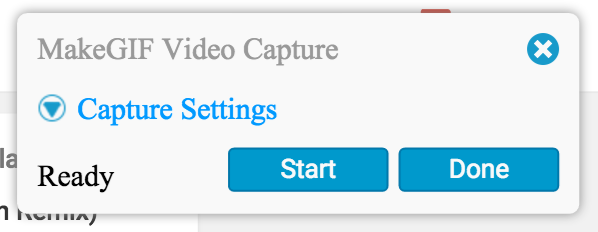
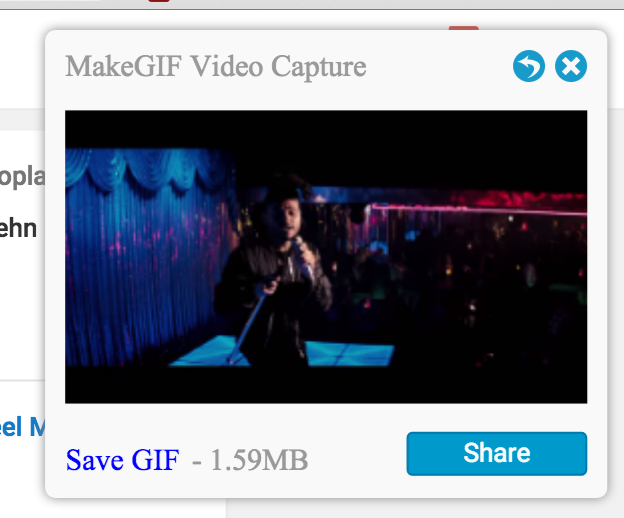
- 4. A box will appear on the right side of your screen. Select start and stop at whatever frame you choose. Add text, reverse actions, speed up or slow down your GIF, then save it


- 5. Use your GIF!

Thank us later.