

Tweeting is fun and interesting. That’s a given. Sharing moments on Twitter however is a great way for businesses to tell amazing stories on the social media platform.
Twitter Moments are curated stories from tweets on slides on any topic around the world.
Because we love all of y’all, we’ve gathered a list of things to do to create trending Twitter moments on any account. Just like the #WhobitBeyonce moment.
- On a phone or dektop, open your Twitter app. Click on the profile picture on the top-left section. Now click on the “Moment” option with a thunder bolt.
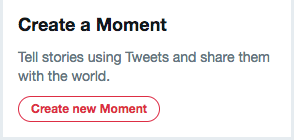
- Give a proper introduction. Click “Create new moment”. Add a title and an engaging description to the tab made available.

- Now add the most interesting tweets by scrolling to the “Add Tweets” part. There are three options at this point. One can either use tweets liked, tweets posted on owned account, look for tweets from anyone by searching for it at the search tab or get a tweet link. One needs to check on green, on the right side of each tweet to add to moments.
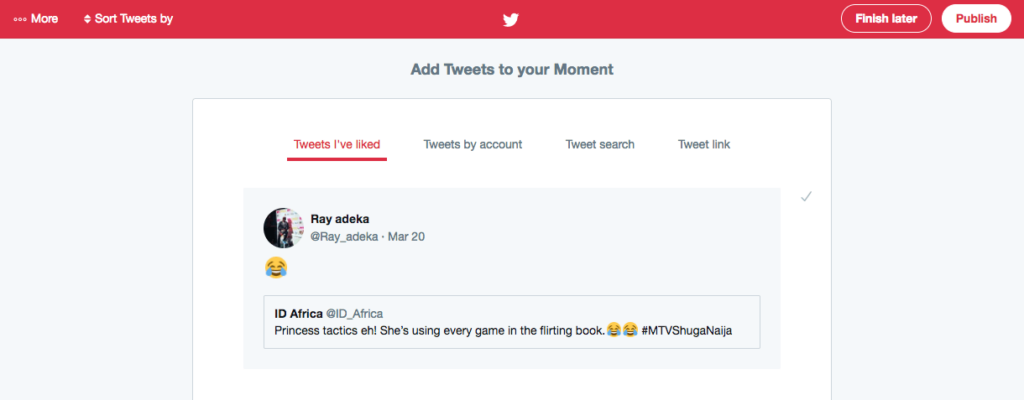
- Publish your moment and share with everyone

Recommendations:
It’s better to use photos, videos, giphs and other content to attract a Twitter audience. One may also use Twitter Moments to promote an event or re-purpose content.